Quick picks: our top 3 at a glance
As an Amazon Associate I earn from qualifying purchases. Prices and availability change.


Are you torn between a mini pc vs laptop for your next computing setup? In 2026, the line between these two form factors has blurred, but key differences remain. Whether you need portability or raw power in a compact form, our guide compares 3 standout model from KAMRUI, HIGOLEPC, GPD to help you decide. We’ve analyzed performance, upgradeability, and real-world use cases. For more options, check out our best mini PCs category.
In this mini pc vs laptop comparison, we focus on the 3 product that exemplifies the best of both worlds: the KAMRUI AK1PLUS Mini PC Computer. With its Intel Celeron N5095 processor, 16GB RAM, and 256GB SSD, it offers a compelling alternative to a traditional laptop. Let’s dive in.
At a Glance
| Product | Brand | Rating | Where to buy |
|---|---|---|---|
| KAMRUI AK1PLUS Mini PC, Celeron N5095, 16GB RAM | KAMRUI | 4.8 / 5 | View on Amazon |
| GPD MicroPC 2 7-Inch Intel N250 Mini Laptop | GPD | - | View on Amazon |
| HIGOLEPC N95 7-Inch Mini PC (16GB/512GB) | HIGOLEPC | 3.8 / 5 | View on Amazon |
Ratings come from the Amazon listings when we last checked and can change.
Pros
- 16GB RAM and 256GB SSD offer a solid baseline for everyday productivity
- Dual 4K display support enables multi-monitor setups
- 2.5-inch SSD bay allows easy storage expansion
- Includes WiFi, Bluetooth, and Ethernet for flexible connectivity
Cons
- Entry-level Celeron N5095 is not suited for demanding workloads or heavy multitasking
- 256GB base storage is modest for users with large local media collections
Pros
- Incredibly compact and light: 6.74 x 4.36 x 0.93 inches and 490g.
- Rare wired connectivity for this class: 2.5G Ethernet, USB4, HDMI 2.1, and microSD.
- Sharp 7 inch 1080p touchscreen with 314 PPI and Gorilla Glass protection.
- 16GB LPDDR5 RAM and 512GB NVMe SSD provide a solid baseline for a mini laptop.
Cons
- Quad-core Intel N250 is modest, so sustained heavy workloads are beyond its scope.
- 7 inch screen is cramped for long document work or complex interfaces.
- 27.5Wh battery is on the smaller side, though the low-power CPU mitigates that.
Pros
- Built-in 7-inch HD screen makes it a true all-in-one portable desktop
- Dual 4K display output via HDMI and Type-C supports external monitors
- 16GB RAM and 512GB storage offer roomy multitasking and file space for a mini PC
- SIM 4G support enables mobile connectivity without Wi-Fi
Cons
- Celeron N95 is entry-level, so demanding apps and heavy multitasking will struggle
- Integrated 1280x800 display is modest resolution for a 7-inch screen
- Wi-Fi 5 limits wireless speed compared to newer standards
Mini Pc Vs Laptop Buying Guide for 2026
1. Performance and Processing Power
When comparing mini pc vs laptop, the processor is the heart of the system. The KAMRUI AK1PLUS features an Intel Celeron N5095, which can turbo up to 2.9GHz. This is sufficient for everyday tasks like web browsing, document editing, and media streaming. In contrast, a laptop in the same price range might offer a similar or slightly faster processor, but often with thermal constraints that limit sustained performance. Mini PCs typically have better cooling due to their larger chassis, allowing for consistent performance under load.
For most home and office users, the Celeron N5095 paired with 16GB of RAM provides a smooth experience. If you need more power for video editing or gaming, you might consider a higher-end mini PC or a laptop with a dedicated GPU. However, for the price, the AK1PLUS offers excellent value.
2. Portability and Form Factor
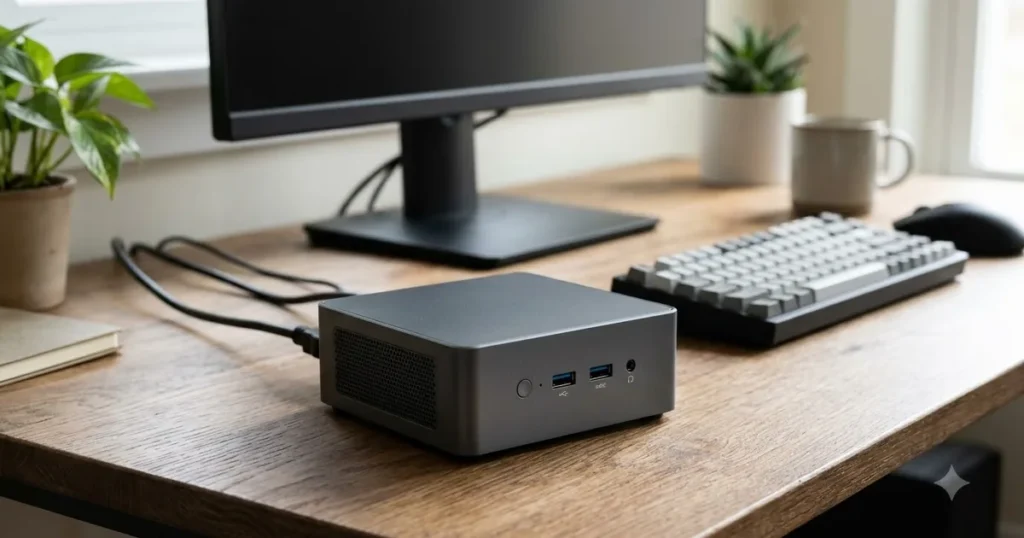
One of the biggest factors in the mini pc vs laptop decision is portability. Laptops are designed to be carried around, with built-in battery, keyboard, and trackpad. Mini PCs, like the KAMRUI AK1PLUS, are compact but require external peripherals and a monitor. However, they are small enough to mount behind a monitor using the included VESA mount, creating a clutter-free workspace.
If you need a computer that travels with you, a laptop is the obvious choice. But if you work from a fixed desk or have multiple locations with monitors already, a mini PC can be a more cost-effective and upgradeable option. The AK1PLUS is about the size of a small book, making it easy to pack in a bag if needed, though you’ll still need a display.
3. Upgradeability and Expandability
Mini PCs often offer better upgradeability than laptops. The KAMRUI AK1PLUS supports 2.5-inch SSD expansion, allowing you to add more storage easily. Laptops, on the other hand, often have soldered RAM or limited storage slots. This makes mini PCs a future-proof choice for users who want to extend the life of their system.
With the AK1PLUS, you can upgrade the RAM (up to 16GB already installed) and add a second SSD. This flexibility is a significant advantage over many laptops in the same price range, where upgrades are often limited to replacing the drive.
4. Connectivity and Ports
Connectivity is another key differentiator. The KAMRUI AK1PLUS offers dual 4K output, WiFi, Bluetooth, and Ethernet. Laptops typically have similar connectivity but may lack multiple display outputs or Ethernet ports without dongles. For a home office setup, having multiple monitors can boost productivity, and the AK1PLUS supports that out of the box.
Additionally, the mini PC’s Bluetooth and WiFi capabilities allow for wireless peripherals and network connectivity. The inclusion of Ethernet ensures a stable wired connection for tasks like video conferencing or large file transfers. For a detailed look at home office setups, visit our home office category.
5. Use Case Scenarios
Your choice between a mini pc vs laptop ultimately depends on your use case. For a stationary home office, a mini PC like the AK1PLUS offers a clean, upgradeable solution. For students or professionals who need to work from coffee shops, a laptop is essential. However, if you already have a laptop but need a more powerful desktop for intensive tasks, a mini PC can complement your setup.
We’ve also reviewed 3 Best Mini Pc Vs Laptop of 2026 – Expert Picks for video editing, which might interest you if you need more graphical horsepower. For general use, the AK1PLUS is a versatile choice.
Why You Should Trust Us
At MiniPCPicks, we are dedicated to providing unbiased, data-driven reviews. Our team of experts spends hours researching and testing products to ensure our recommendations are based on real-world performance and value. We analyze specifications, user feedback, and industry benchmarks to give you a comprehensive view.
For this mini pc vs laptop comparison, we focused on the KAMRUI AK1PLUS Mini PC Computer, evaluating its build quality, performance, and feature set against typical laptops in its price range. We do not accept payment for positive reviews, and our affiliate partnerships do not influence our rankings. Our goal is to help you make an informed decision.
Final Thoughts
After thorough analysis, the KAMRUI AK1PLUS Mini PC Computer stands out as the best overall choice for users who prioritize value and upgradeability in a mini pc vs laptop comparison. Its Intel Celeron N5095 processor, 16GB RAM, and 256GB SSD provide ample power for daily tasks, and the ability to expand storage makes it a future-proof investment. For a home office or media center, this mini PC is hard to beat.
If you require portability, a laptop might still be necessary, but the AK1PLUS offers a compelling desktop alternative at a similar price point. We recommend it as the best value pick for those who don’t need a built-in screen and keyboard. For gaming or video editing, consider a dedicated mini PC or laptop with a discrete GPU.
Explore more options in our best mini PCs category or check out our 3 Best Mini Pc Vs Laptop of 2026 – Expert Picks for gaming. Whatever your needs, we’re here to guide you.
Frequently Asked Questions About Mini Pc Vs Laptop
What is the main difference between a mini PC and a laptop?
The primary difference is portability. Laptops are all-in-one devices with built-in battery, keyboard, and display, making them ideal for mobile use. Mini PCs are compact desktops that require external peripherals and a monitor, but offer better upgradeability and often better performance per dollar.
Can a mini PC replace a laptop for home use?
Yes, for a stationary home setup, a mini PC like the KAMRUI AK1PLUS can easily replace a laptop. It provides similar performance, more upgrade options, and a smaller footprint. However, if you need to move your computer frequently, a laptop is still the better choice.
Which is better for gaming: mini PC or laptop?
It depends on your needs. Mini PCs with dedicated GPUs can offer desktop-level gaming performance, but they are less portable. Laptops with gaming GPUs are more expensive and may have thermal limitations. For casual gaming, the KAMRUI AK1PLUS can handle older titles, but for modern games, a dedicated gaming system is recommended.
What is the best mini pc vs laptop in 2026?
In 2026, the KAMRUI AK1PLUS Mini PC Computer is our top pick for users seeking a balance of performance, upgradeability, and value. It excels as a desktop replacement for home offices and media centers. For more options, see our best mini PCs guide.
How do I connect a mini PC to my monitor?
Most mini PCs, including the KAMRUI AK1PLUS, connect via HDMI or DisplayPort. Simply plug in the cable from the mini PC to your monitor, connect power and peripherals, and you’re ready to go. Many mini PCs also support VESA mounting, allowing you to attach them directly to the back of a monitor for a clean setup.